Second Draft asset pack: what it includes and who it is for
Second Draft is a free asset pack of 12 Premiere Pro titles marked up by a red pencil, in four native sizes. What is inside, who it fits, and how to start.
In this post
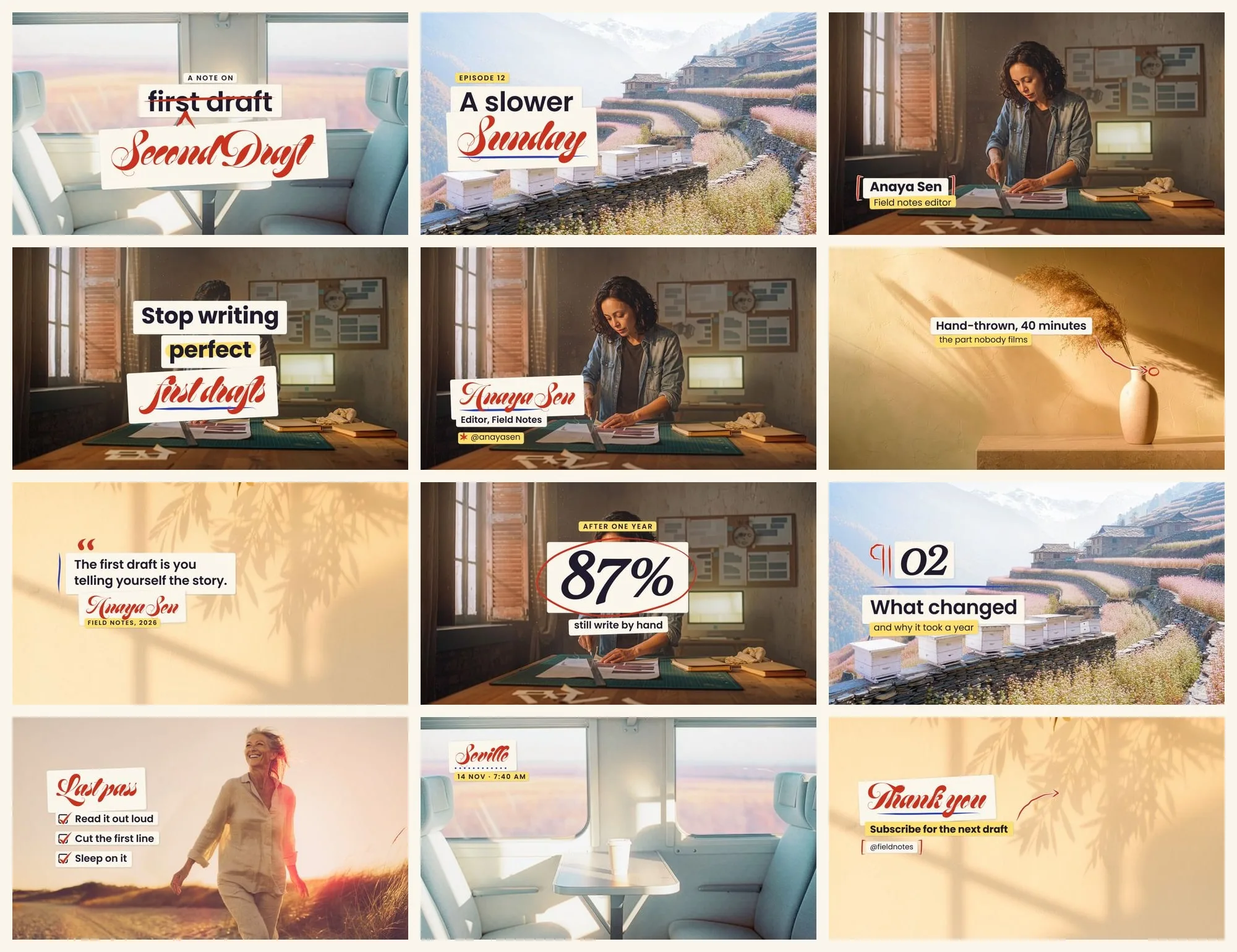
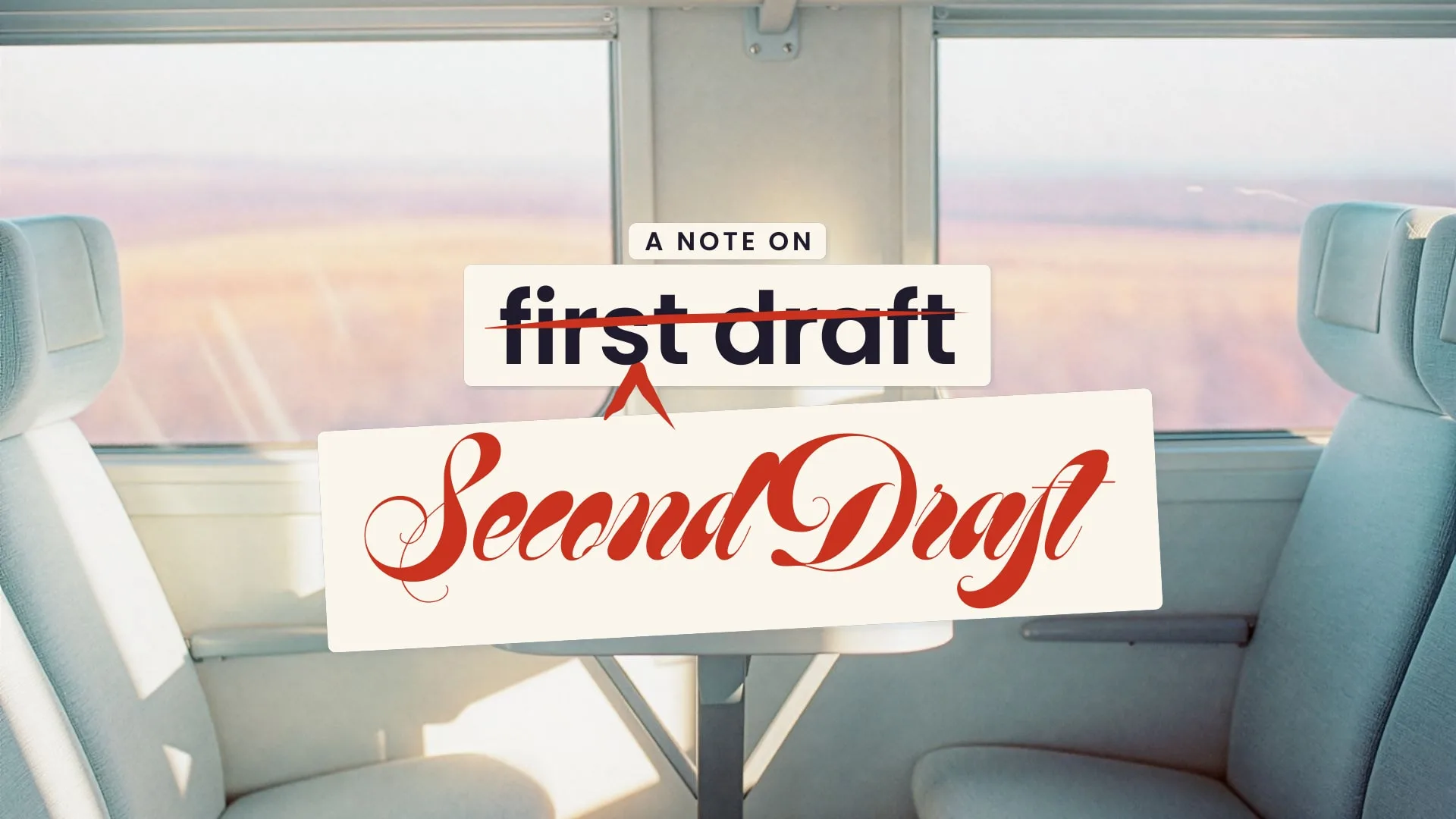
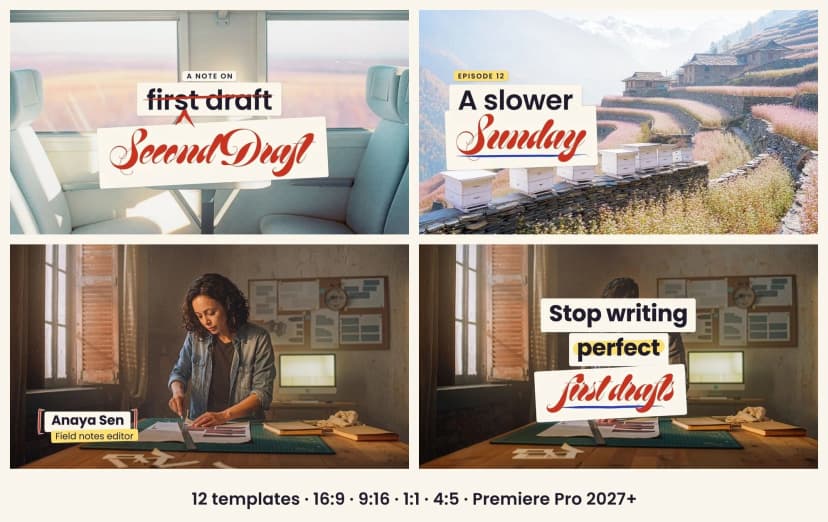
Second Draft is a free asset pack of 12 Premiere Pro title templates. Your words land on paper slips, and a red editor's pencil makes one mark on them. It needs Premiere Pro 2027 or later. This post covers what is in the files, who the pack fits, who it does not fit, and how to start.
The problem with most text titles
Titles look simple until you type real words into them. A long product name runs off the box. A tall video for Reels hides the text under the platform buttons. A font is missing, so Premiere swaps in something else. You stretch the clip and the animation slows down with it.
Small businesses and web developers hit these issues when they make their own videos. Think of a product update clip, a feature explainer, or a short social post. Nobody on the team is a motion designer. The title needs to work the first time you type into it.
Second Draft was built around those failure points. Here is what it actually contains.
What is in the Second Draft asset pack
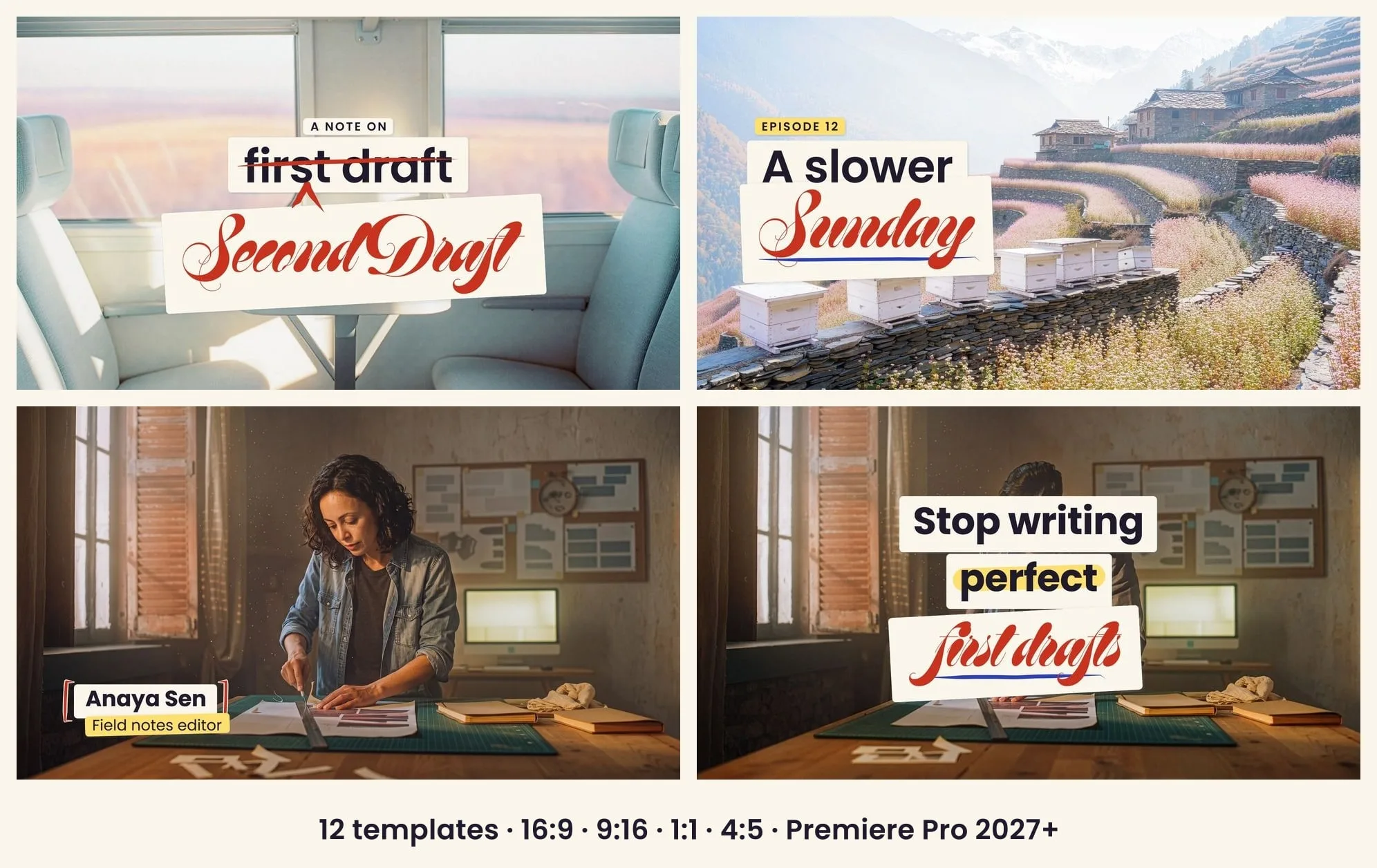
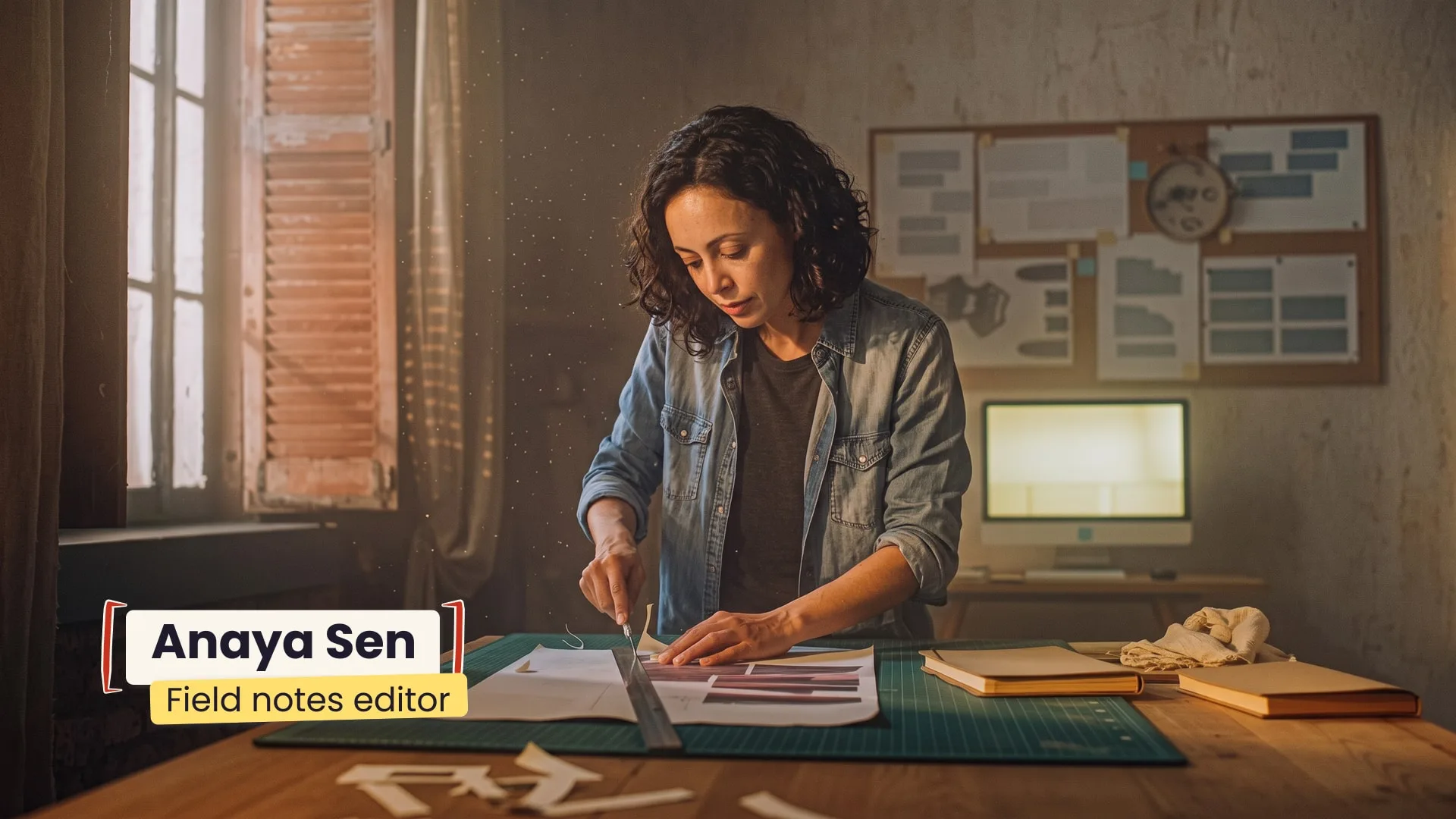
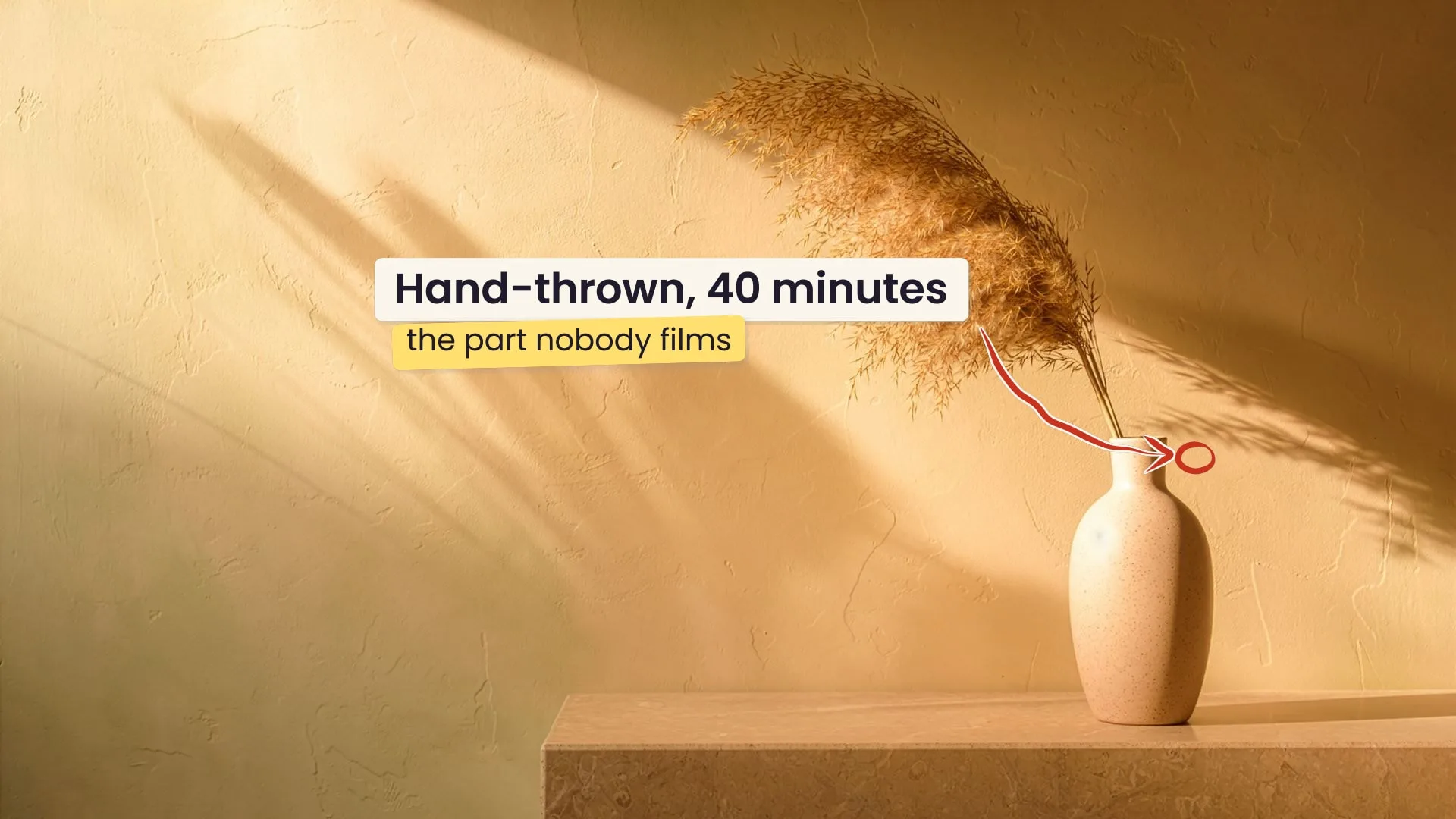
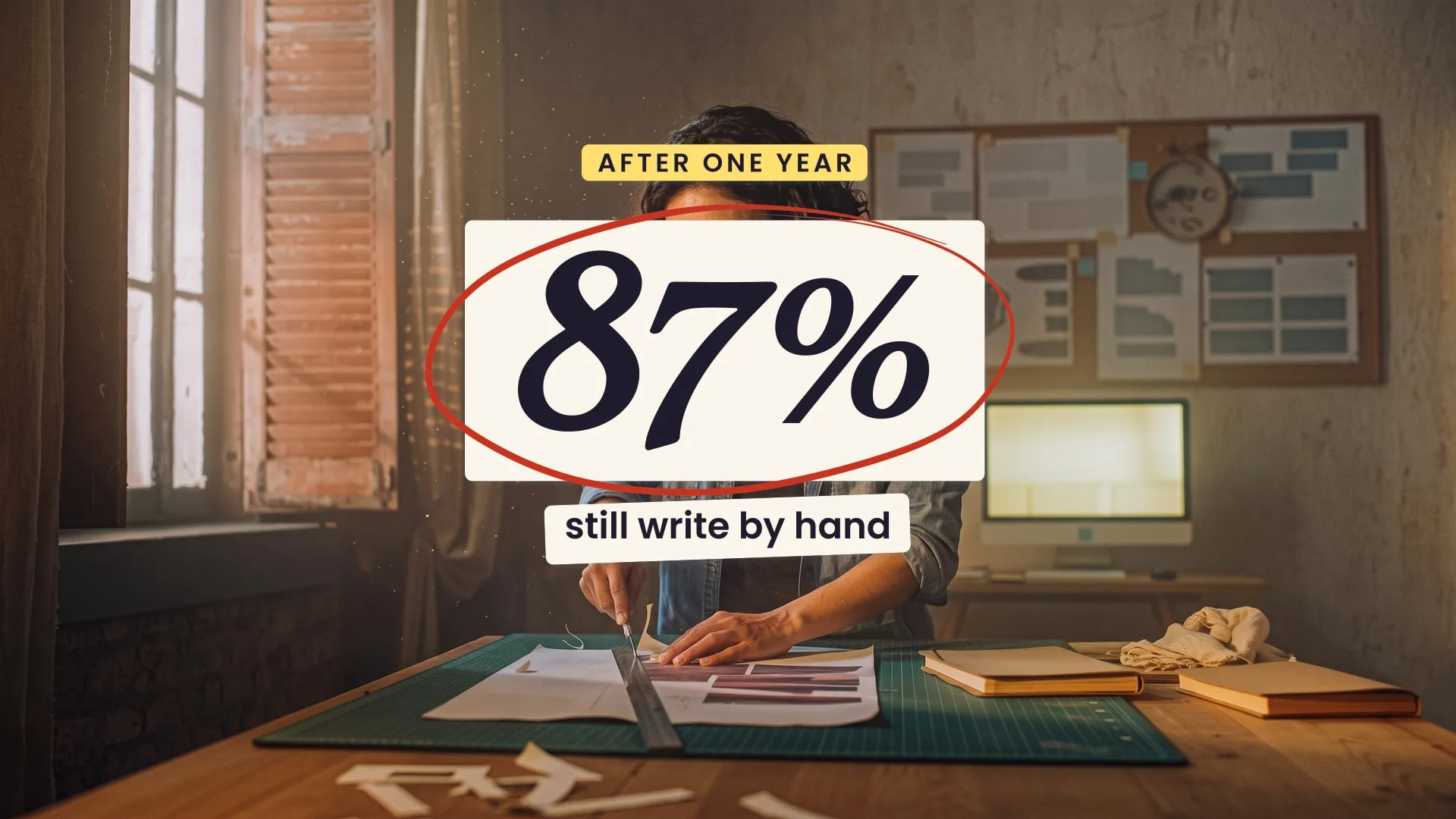
The idea is an edited draft. Typed words sit on paper slips. A red pencil marks them once: a strike, a caret, a ring, brackets or a tick. When a word is replaced, the new one arrives in script on its own slip, pasted slightly askew.
The practical details:
- 12 templates. Among them are SD 01 The Correction, SD 03 Lower third, SD 05 Call-out, SD 07 Number, SD 09 Hook for Reels and SD 12 End card tall.
- Four native files per template: 16:9, 9:16, 1:1 and 4:5. They are separate files, not crops, and they sit clear of the platform buttons.
- Measured from your words. Slips, strikes, rings and brackets resize to whatever you type. Long names do not break the design.
- No fonts to hunt. The three typefaces are Adobe Fonts that Premiere switches on by itself.
- The same controls in the same order in every template. Learn one and you know all 12.
- Timing holds when you stretch. A longer clip only lengthens the still middle. The marks keep their pace.
- Readable on any footage. Dark words on paper, so busy backgrounds do not fight the text.
- Vector only, no plug-ins. The titles scrub in real time.
- Formats: .mogrt files plus the After Effects 2027 project, if you want to open the source.
Every file was opened and tested in Premiere Pro 2027 itself.
Who it fits, and who it does not
Second Draft fits you if:
- You edit in Premiere Pro 2027 (27.0) or later.
- You post the same message in wide, tall, square and 4:5 formats and want native files for each.
- You want titles with a point of view, such as a correction, a call-out or a number, rather than plain text on a bar.
- You are a developer or small team making release notes, demos or social clips, and you want titles that survive real copy.
It does not fit you if:
- You use an older version of Premiere. The pack needs 2027 or later.
- You edit in another video tool. The pack ships as .mogrt files and an After Effects project, nothing else.
- You need animation for a website or app. These are video titles, not web files.
- You want a clean, corporate look. The hand-edited paper style is the whole point of the pack.
How to see it and set it up
The product page shows the real screenshots and two product films. Watch those first to see the pencil marks move. The cover and the all-titles screen give you the full set at a glance.
Setup is short, because there are no plug-ins and no fonts to install by hand.
- Check your Premiere versionSecond Draft needs Premiere Pro 2027 (27.0) or later. Older versions will not open the templates.
- Get the free packAdd Second Draft from its product page and download the files: the .mogrt templates and the After Effects 2027 project.
- Pick the size you needEach title comes as 16:9, 9:16, 1:1 and 4:5. Choose the native file that matches your sequence.
- Add it and typeBring the template into your sequence and type your words. Slips and marks resize to fit them.
- Let the fonts switch onThe three typefaces are Adobe Fonts. Premiere activates them by itself, so there is nothing to hunt down.
- Stretch to fit your editLengthen the clip as needed. Only the still middle grows, so the pencil marks keep their timing.
If you want to change the design itself, open the After Effects 2027 project. For most edits you will not need to. The controls sit in the same order in every template, so the second title goes faster than the first.
What to do next
Start with one real message, not placeholder text. Type your longest product or client name into a lower third and see how the slip holds. Then export the same title as 9:16 for a tall post and compare.
Questions
Is Second Draft free?
Yes. Second Draft is marked free on Pulse.
Which Premiere Pro version do I need?
Premiere Pro 2027 (27.0) or later. Every file was tested inside Premiere Pro 2027.
Do I need to install fonts or plug-ins?
No. The three typefaces are Adobe Fonts that Premiere switches on by itself, and the titles are vector only with no plug-ins.
Will long words break the layout?
No. Every slip and mark is measured from your own words, so strikes, rings and brackets resize to fit.
What sizes are included?
Each of the 12 templates comes as four native files: 16:9, 9:16, 1:1 and 4:5, clear of the platform buttons.
If the edited-draft look suits your videos, the screenshots, films and files are on the Second Draft page. For questions about using it on client work, the licence page covers what is allowed.