Pulse

0%

Skip to content

Second Draft

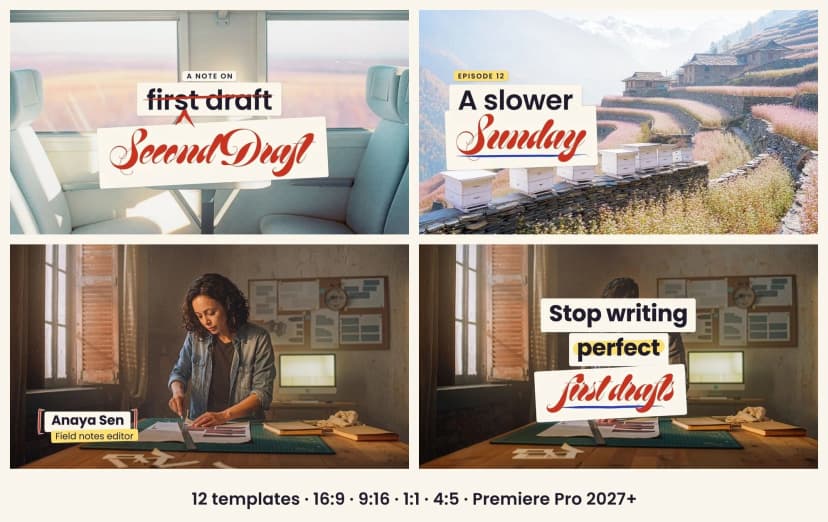
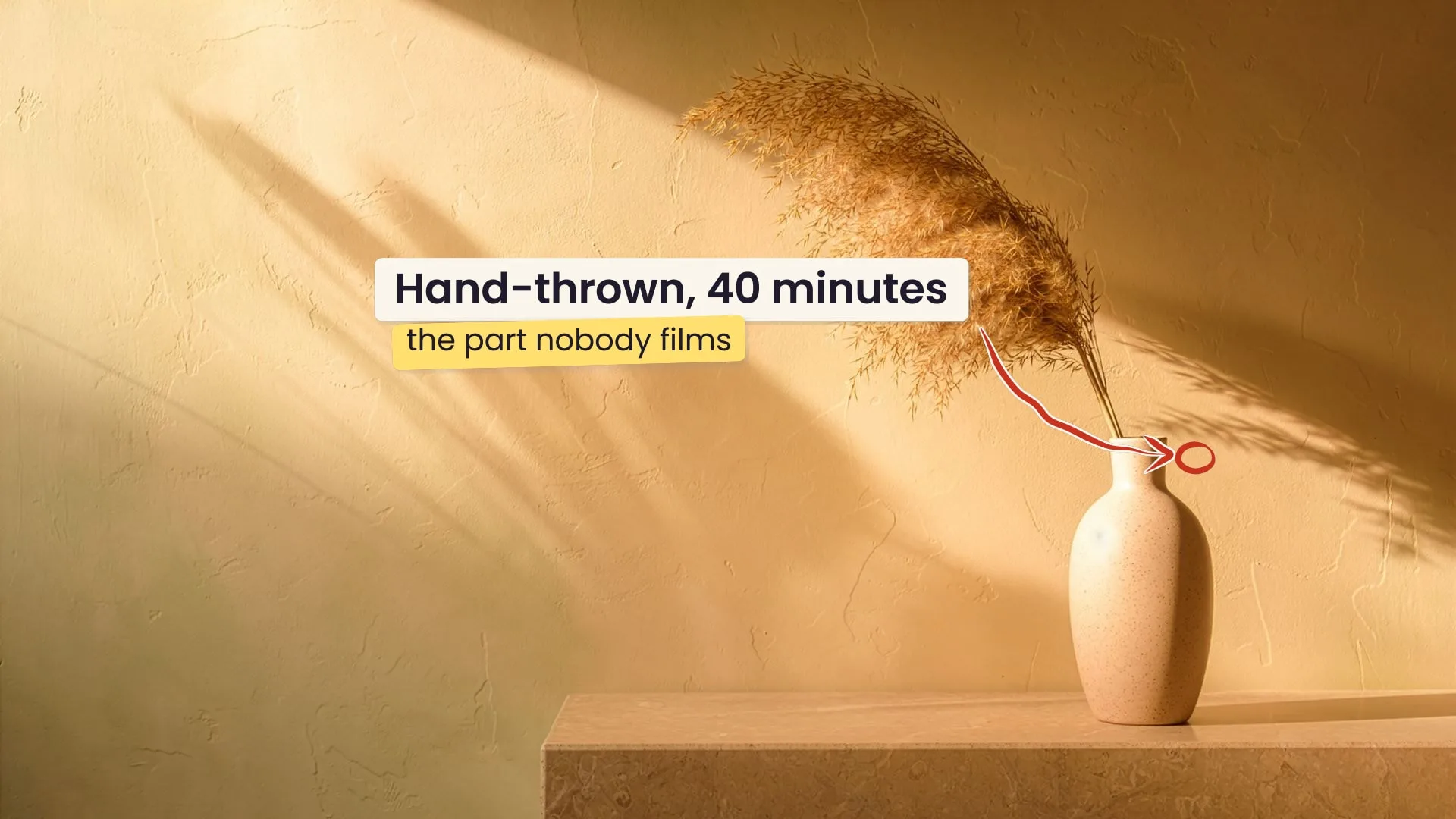
12 Premiere titles, marked up by a red pencil

Updated 2 days agoVersion 1
Screens

  • Second Draft: Cover on a desktop
    Cover
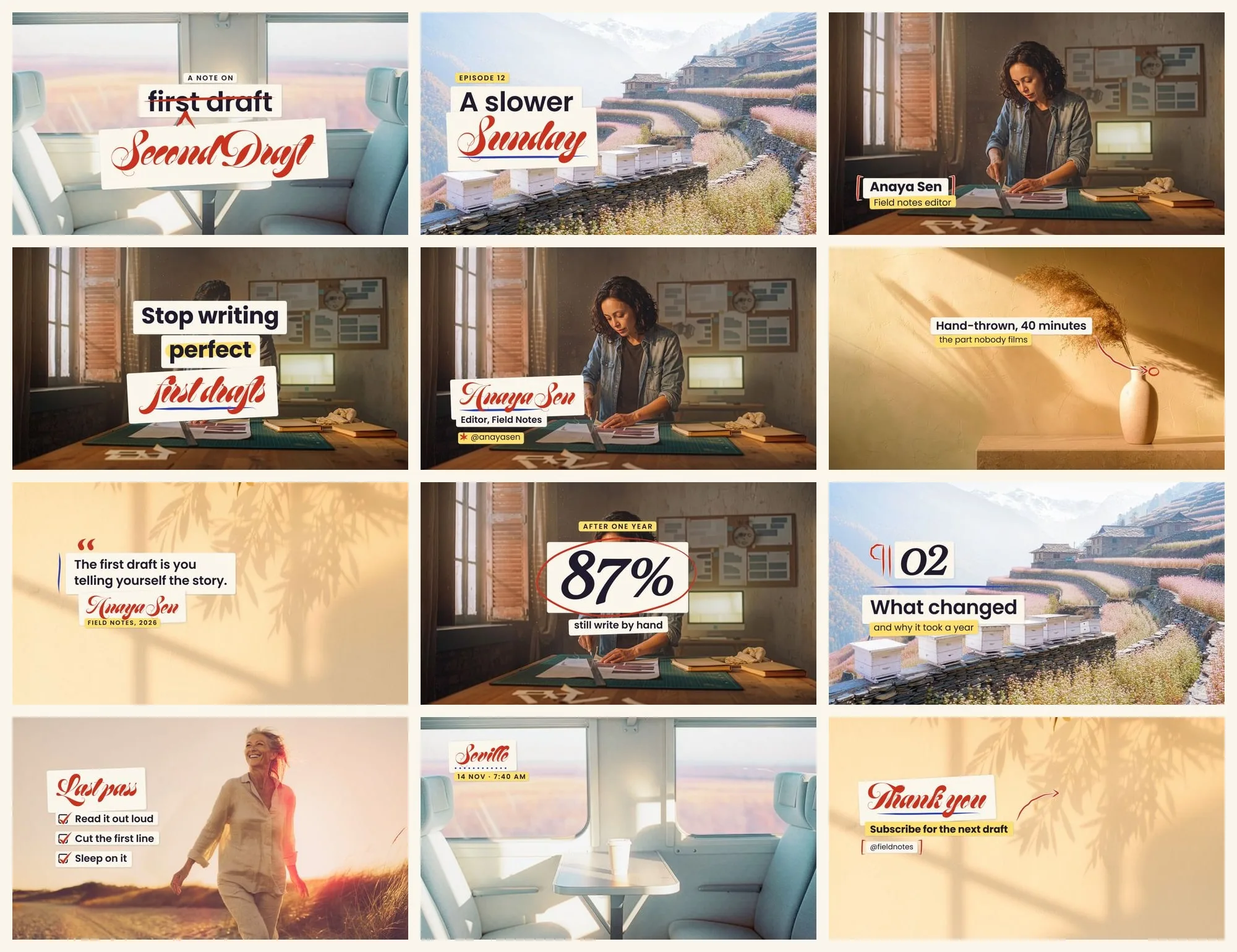
  • Second Draft: All 12 titles on a desktop
    All 12 titles
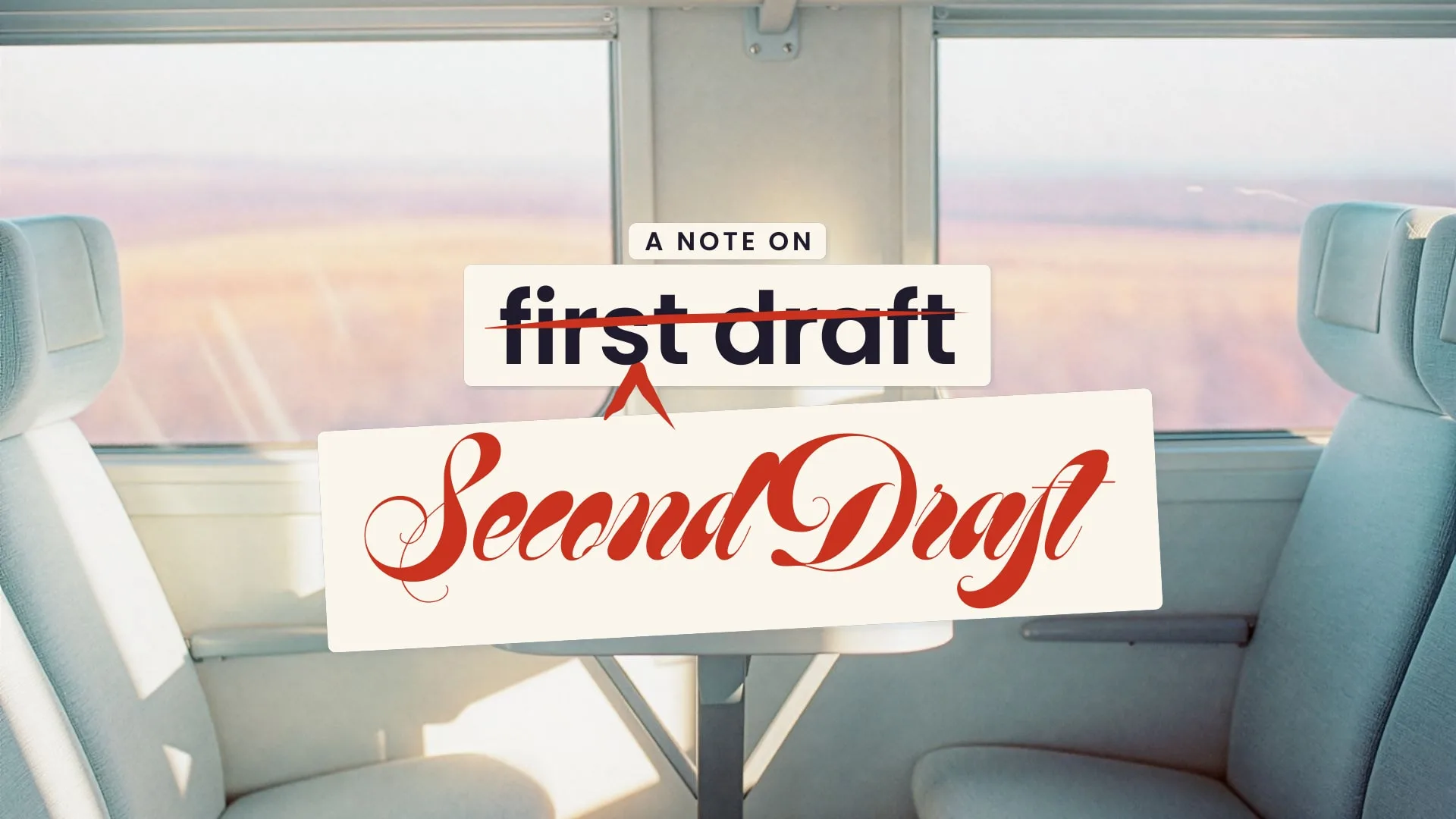
  • Second Draft: SD 01 The Correction on a desktop
    SD 01 The Correction
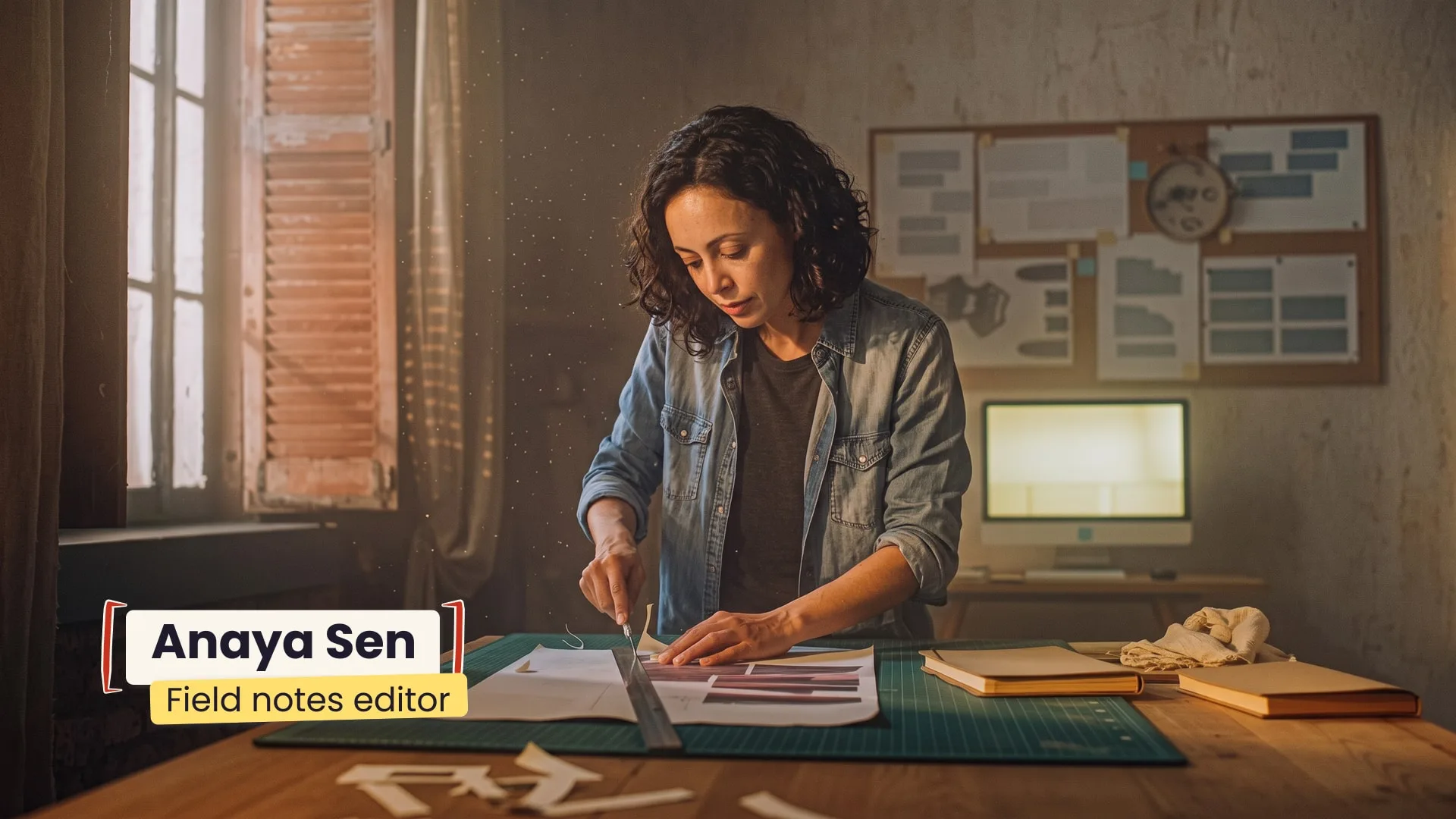
  • Second Draft: SD 03 Lower third on a desktop
    SD 03 Lower third
  • Second Draft: SD 05 Call-out on a desktop
    SD 05 Call-out
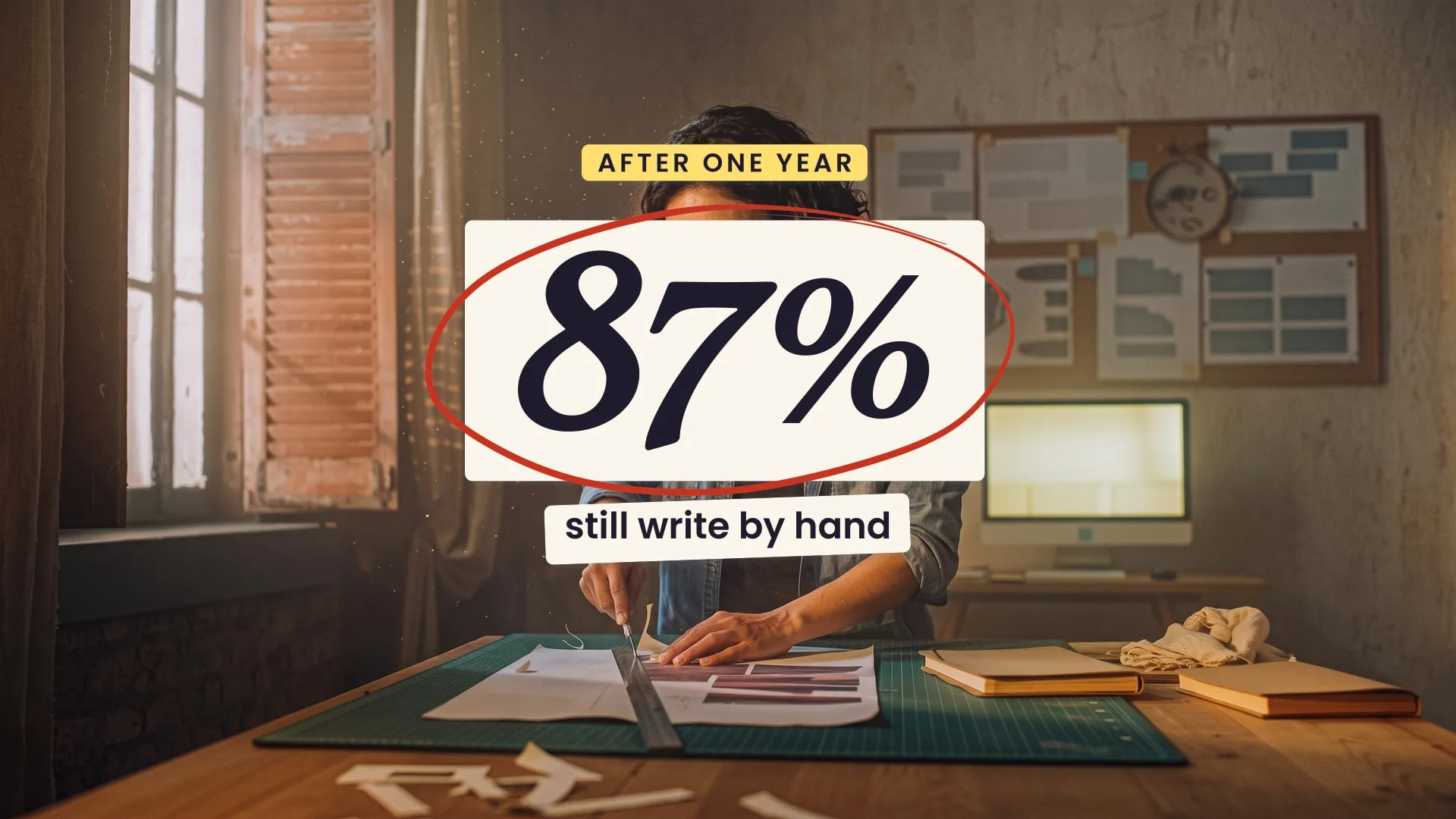
  • Second Draft: SD 07 Number on a desktop
    SD 07 Number
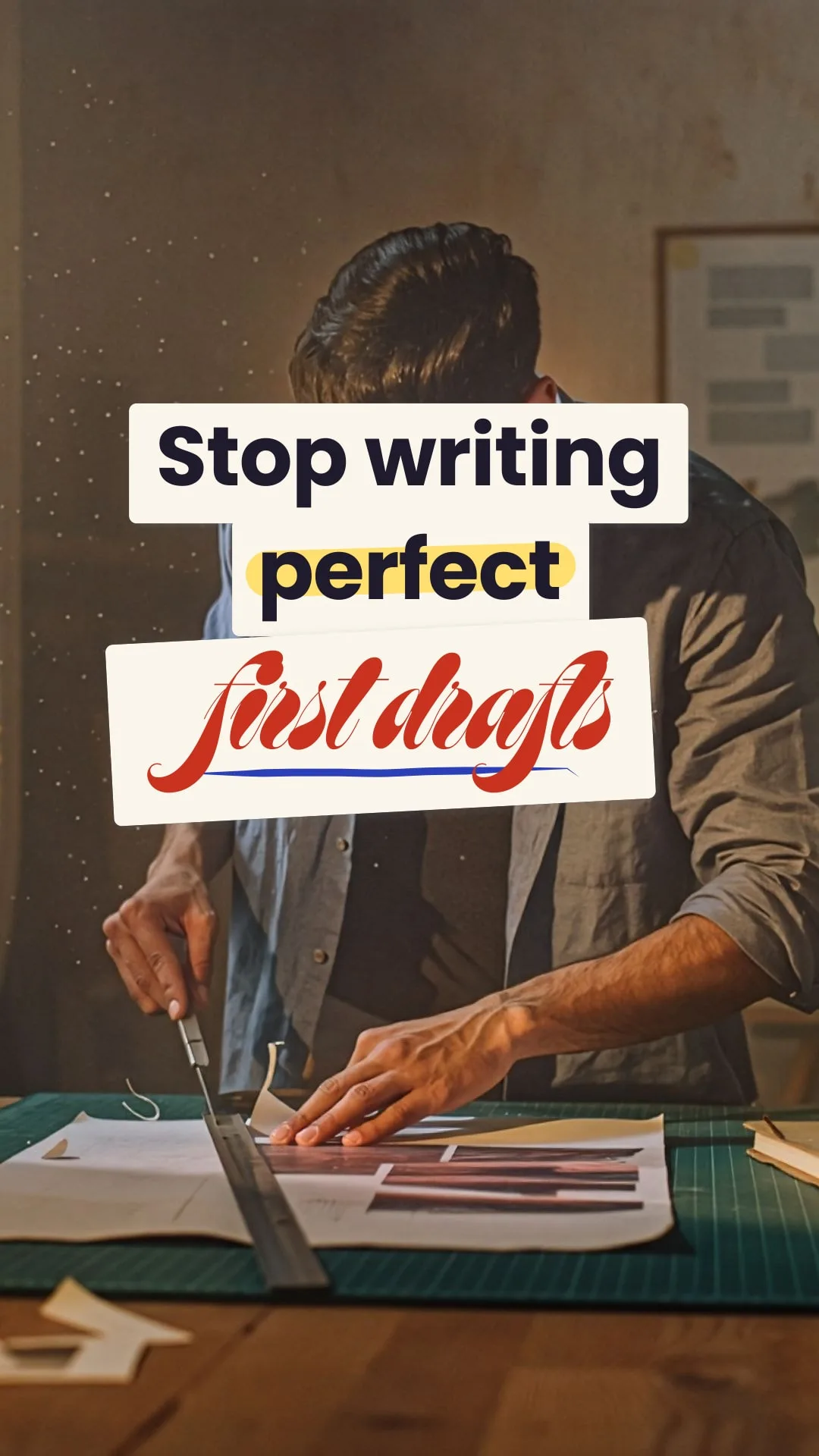
  • Second Draft: SD 09 Hook for Reels on a phone
    SD 09 Hook for Reels
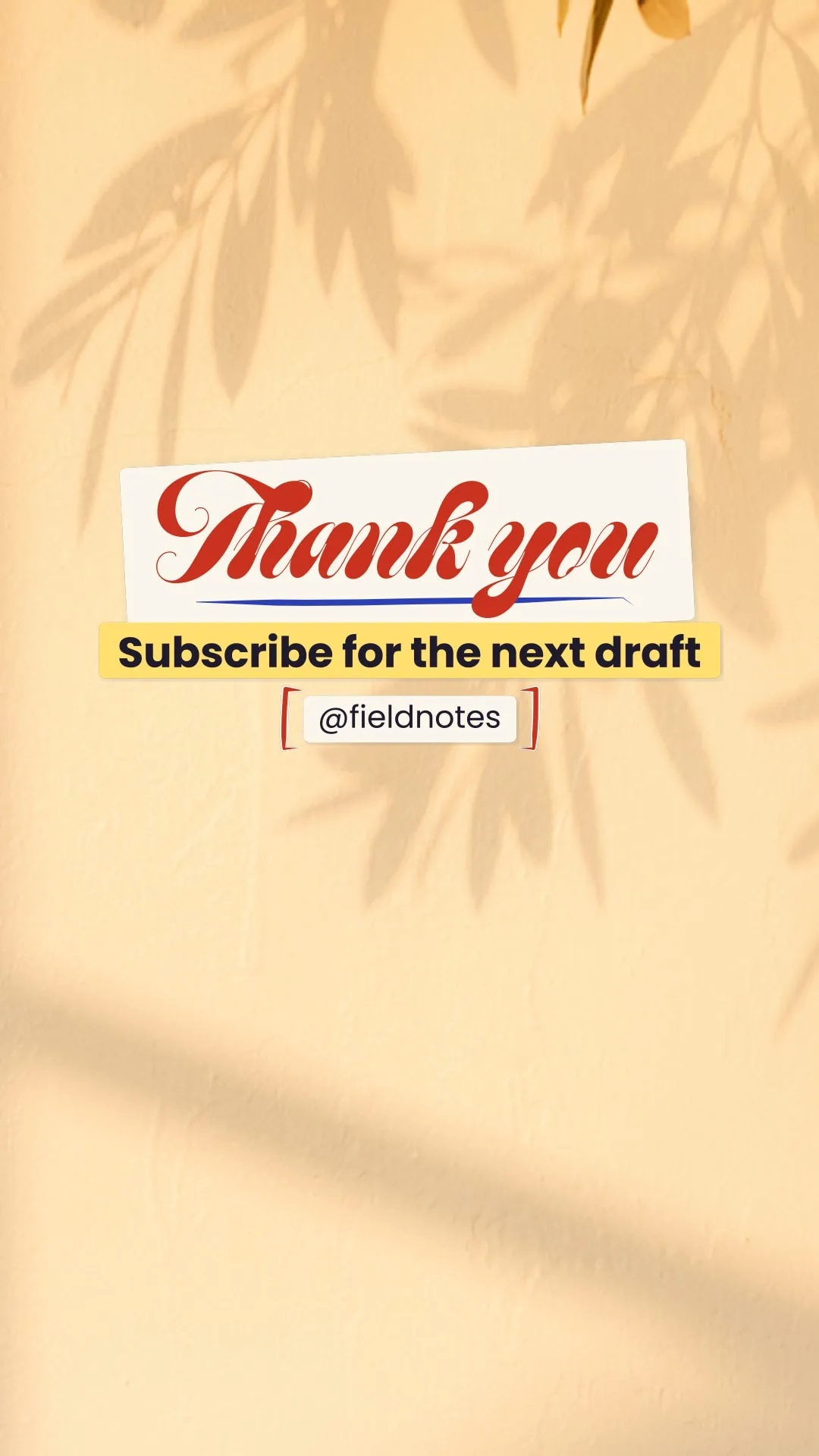
  • Second Draft: SD 12 End card tall on a phone
    SD 12 End card tall

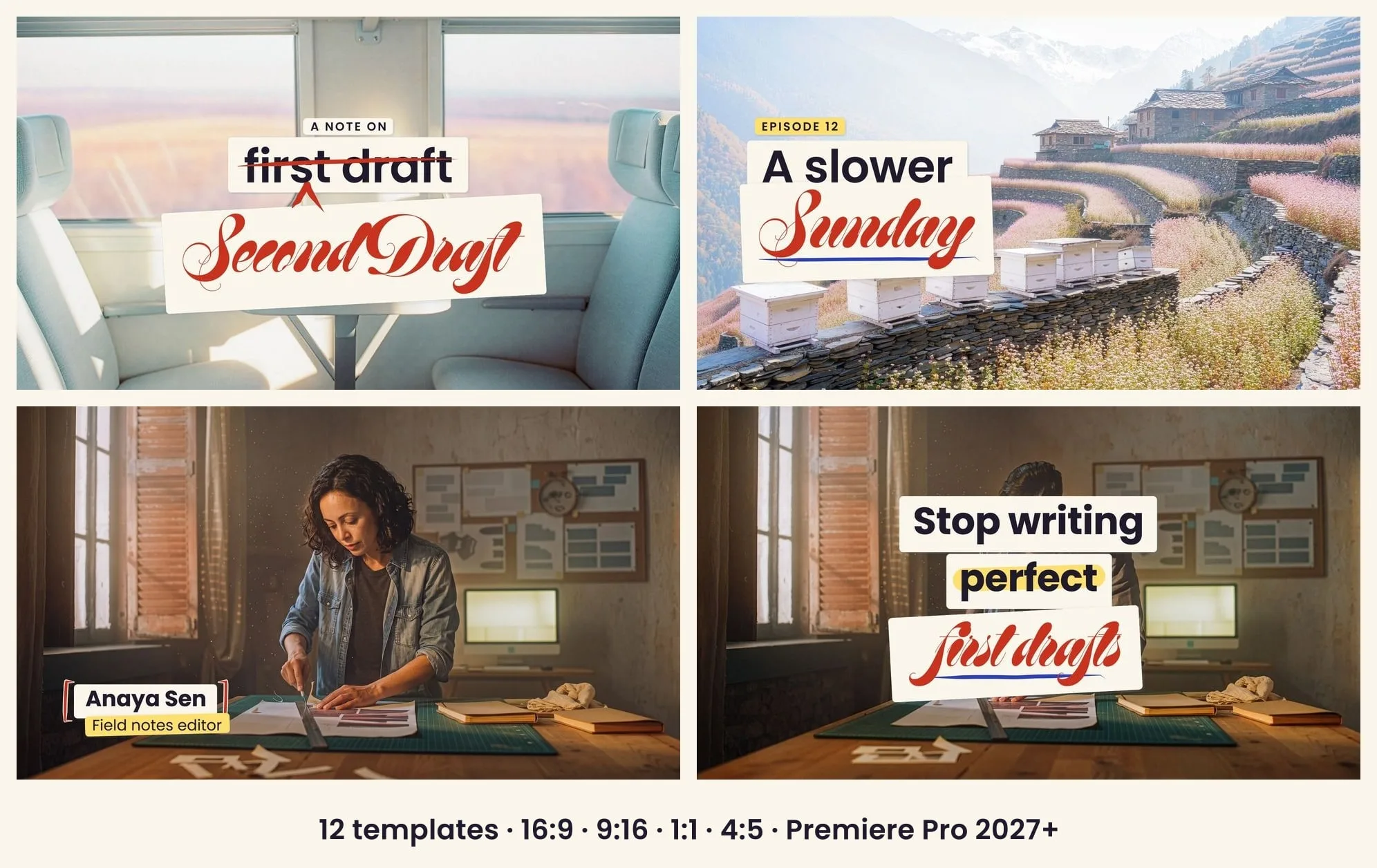
Titles a hand has edited. You only type.

Needs Premiere Pro 2027 or later. Second Draft is a pack of 12 Premiere Pro motion graphics templates where typed words land on paper slips and a red editor's pencil makes one mark on them: a strike, a caret, a ring, brackets, a tick. Where a word is replaced, the new one arrives in script on its own slip, pasted slightly askew. Every slip and mark is measured from your own words, so long names never break the design. Each template comes as four native files: 16:9, 9:16, 1:1 and 4:5, clear of the platform buttons. The fonts are Adobe Fonts that Premiere switches on by itself, the controls sit in the same order in every template, and stretching a clip only lengthens the still middle. Every file was opened and tested in Premiere Pro itself.

What's included

Next.js

Highlights

  • Type anything: slips, strikes, rings and brackets resize to your words
  • Four native sizes of every title: 16:9, 9:16, 1:1 and 4:5
  • No fonts to hunt: all three typefaces switch on by themselves in Premiere
  • The same controls in the same order in every template
  • Stretch the clip and the animation keeps its timing
  • Readable on any footage: dark words on paper
  • Vector only, no plug-ins: scrubs in real time
  • Tested inside Premiere Pro 2027 (needs 2027 or later)

Inside the design

  • Type anything: slips, strikes, rings and brackets resize to your words
  • Four native sizes of every title: 16:9, 9:16, 1:1 and 4:5
  • No fonts to hunt: all three typefaces switch on by themselves in Premiere
  • The same controls in the same order in every template
  • Stretch the clip and the animation keeps its timing
  • Readable on any footage: dark words on paper
  • Vector only, no plug-ins: scrubs in real time
  • Tested inside Premiere Pro 2027 (needs 2027 or later)

Built with & works with

  • Next.js

Premiere Pro 2027 (27.0) or later · 12 templates × 4 native sizes (16:9, 9:16, 1:1, 4:5) · .mogrt + the After Effects 2027 project · Adobe Fonts that Premiere activates by itself

Questions

Can I get a refund?

Not for a change of mind: you get the full code the moment you pay, so every sale is final. If the files don't work we fix or replace them, and any refund the law where you live requires still applies. Open the live demo first, and ask us anything before you buy.

What if the files don't work?

We fix it or replace the files. Write to us with your order email.

Which licence do I need?

There is only one. It covers as many websites as you like — yours or your clients', personal or commercial, SaaS included. Just never resell the files.

Questions before you buy?

Write to us — a person from the studio answers.

Pairs well with

Want it set up, or something custom?

The team that built it can install it, brand it, or make you something new.

FreeSecond Draft