Crescent to Crescent asset pack: what it includes, who it fits
Crescent to Crescent is a free asset pack: Ramadan to Eid as five Lottie vignettes that hand over with no cut, plus UI loops, vectors and source files.
In this post
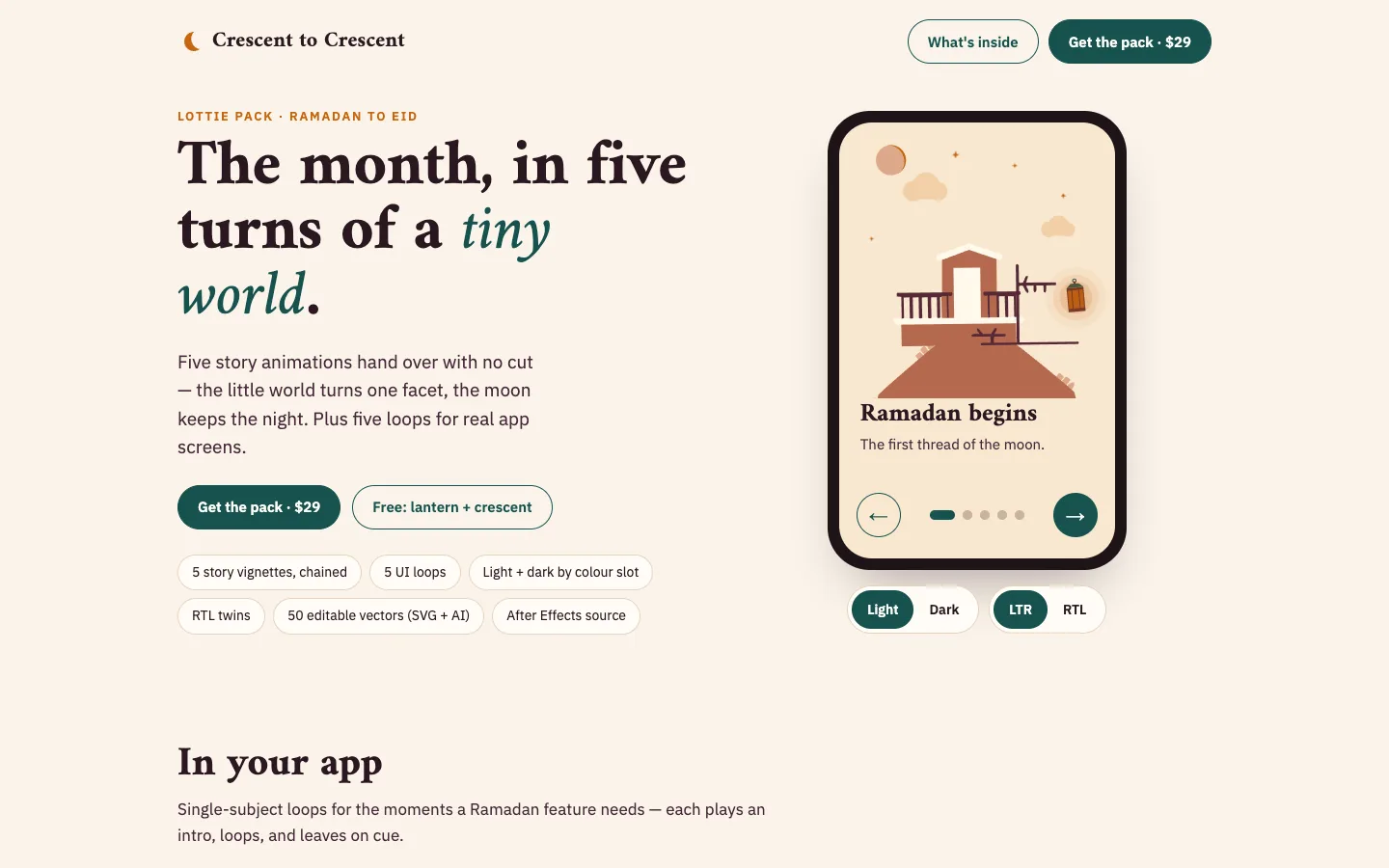
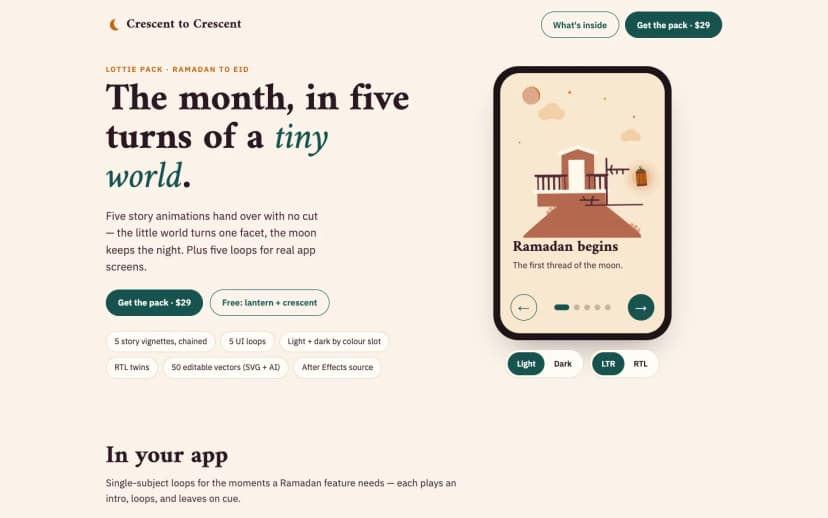
Crescent to Crescent is a free asset pack that tells Ramadan to Eid as five Lottie vignettes. The vignettes hand over to each other with no cut, so they play as one continuous story. It also includes five UI loops, editable vectors, the After Effects source and a small React carousel to show the story on a page.
This post covers what is in the Crescent to Crescent asset pack, who it fits, who it does not, and how to start.
The problem it solves
Seasonal animation is often a set of separate clips. Each one starts and ends on its own. Put them in a row and you see a hard jump between scenes. Fixing that means custom After Effects work, and that takes time a small team may not have.
Crescent to Crescent is built the other way round. The idea is simple: the moon never leaves its place, and the month turns under it. There is one small round world. Five places sit on it, and the world turns from one to the next. The story runs from the first thread of the crescent to the next one. Because the files join in motion, you can chain them without a visible cut.
- First thread of the crescentA rooftop. The story opens here as the new moon appears.
- Vignette 2A waiting street. The world turns and hands over with no cut.
- Vignette 3An iftar table.
- Vignette 4A lit lane.
- The next crescentAn open door. The story closes as the next crescent arrives.
What the Crescent to Crescent asset pack includes
Here is the full list from the product facts. Nothing is added.
- 5 story vignettes that chain with no cut. Each one also has a right-to-left twin, for layouts that read right to left.
- 5 UI loops. Smaller animations for interface use, alongside the story.
- Light and dark themes in every file. You do not need a second set for dark mode.
- Three output formats. Lottie JSON, dotLottie, and SVG stills.
- Named colour slots. Every colour is a named slot, so you can recolour by token instead of editing paths.
- Editable vectors. The illustrations come as SVG and Illustrator files.
- The After Effects 2027 source. You can change timing or motion at the source.
- A React story carousel and HTML snippets. These show the vignettes on a web page.
The pack is vector-first. The art started in Firefly, was traced in Illustrator, and was then animated in After Effects. That is why the stills and the animations share the same shapes.
Compatibility. The files work with lottie-web (SVG and canvas renderers) and dotLottie players. That covers web, React, iOS and Android. Editing the source needs After Effects 2027. Editing the vectors needs Illustrator, or any tool that opens SVG.
Who it fits, and who it does not
It fits you if:
- You build a web or app experience for Ramadan and Eid and want motion that feels like one story.
- You already use Lottie or dotLottie, or you are happy to add a player.
- Your interface has design tokens, and you want the art to follow your colours.
- You need both left-to-right and right-to-left layouts.
- You support light and dark modes.
It does not fit you if:
- You need a full website. This is an asset pack, not a theme. The React carousel and HTML snippets show the story. They are not a site with pages, copy and navigation. For a full campaign page, Thirty Panes is a separate Ramadan to Eid theme in English and Arabic.
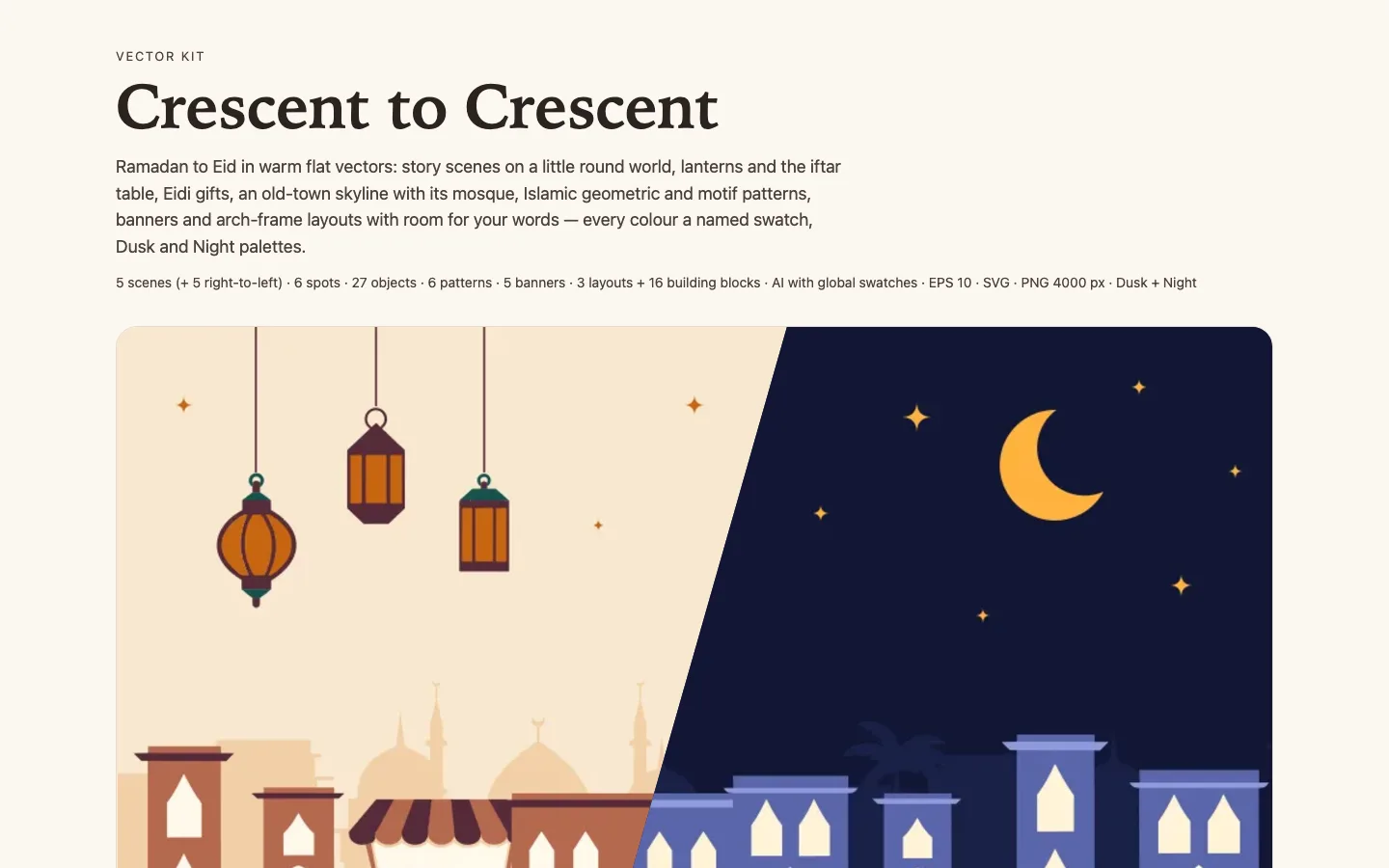
- You only need static art for print or social posts. The SVG stills help, but the Crescent to Crescent — Vector Kit is the flat-vector set built for that job.
- You need written setup docs. The listing has no separate docs section. You get the files, the source and the snippets.
- You want to edit motion without After Effects. Recolouring works through the named slots, but changing timing means opening the After Effects 2027 source.
How to see the demo and set it up
Start on the product page. It has the live demo, the product films and the screens for desktop and phone. Watch the full chain once before you decide where it goes. The handover between vignettes is the main point of the pack, and it is easiest to judge in motion.
- Open the product pageWatch the live demo and the films. Check the desktop and phone screens.
- Add it to your libraryThe pack is free. Download the files from your library.
- Pick a formatLottie JSON or dotLottie for motion, SVG stills where motion is not needed.
- Map the colour slotsEvery colour is a named slot. Point each slot at one of your design tokens.
- Choose theme and directionUse the light or dark theme to match your UI. Use the right-to-left twins for RTL pages.
- Place the storyStart from the React story carousel or the HTML snippets, then adjust to your layout.
A few practical notes:
- Keep the order. The vignettes are built to hand over in sequence. If you skip one, the join between the remaining two may not line up.
- Match direction to layout. On a right-to-left page, use the twins for the whole chain, not a mix.
- Test on phone early. The product shows a phone screen of the home view. Check your own layout at that size before you add copy around it.
- Recolour before you edit paths. The named slots handle most brand changes. Open Illustrator or After Effects only when you need a change in shape or timing.
Questions
Is Crescent to Crescent free?
Yes. It is marked free on Pulse. You add it to your library and download the files.
Will it play in a React app?
Yes. It works with lottie-web and dotLottie players, and the pack includes a React story carousel plus HTML snippets.
Can I use it on iOS and Android?
The listed compatibility covers dotLottie and lottie-web players on web, React, iOS and Android.
Does it support right-to-left layouts?
Yes. Each of the five story vignettes has a right-to-left twin.
Is it a website template?
No. It is an asset pack: animations, vectors, source files and display snippets. It has no site pages or copy.
What to do next
Watch the chain from first crescent to next crescent and decide where it sits in your product. A hero section, a story carousel and a loading state are all natural places, since you get both story vignettes and UI loops. Then map the colour slots to your tokens and pick light or dark.
If a continuous Ramadan to Eid story in Lottie is what your project needs, the Crescent to Crescent page has the live demo, the films and the free download.