Chalk Line website theme: what it includes and who it is for
Chalk Line is a fashion store website theme whose home page makes each look as you scroll. Its 14 pages, size features, sound, and who it fits or does not.
In this post
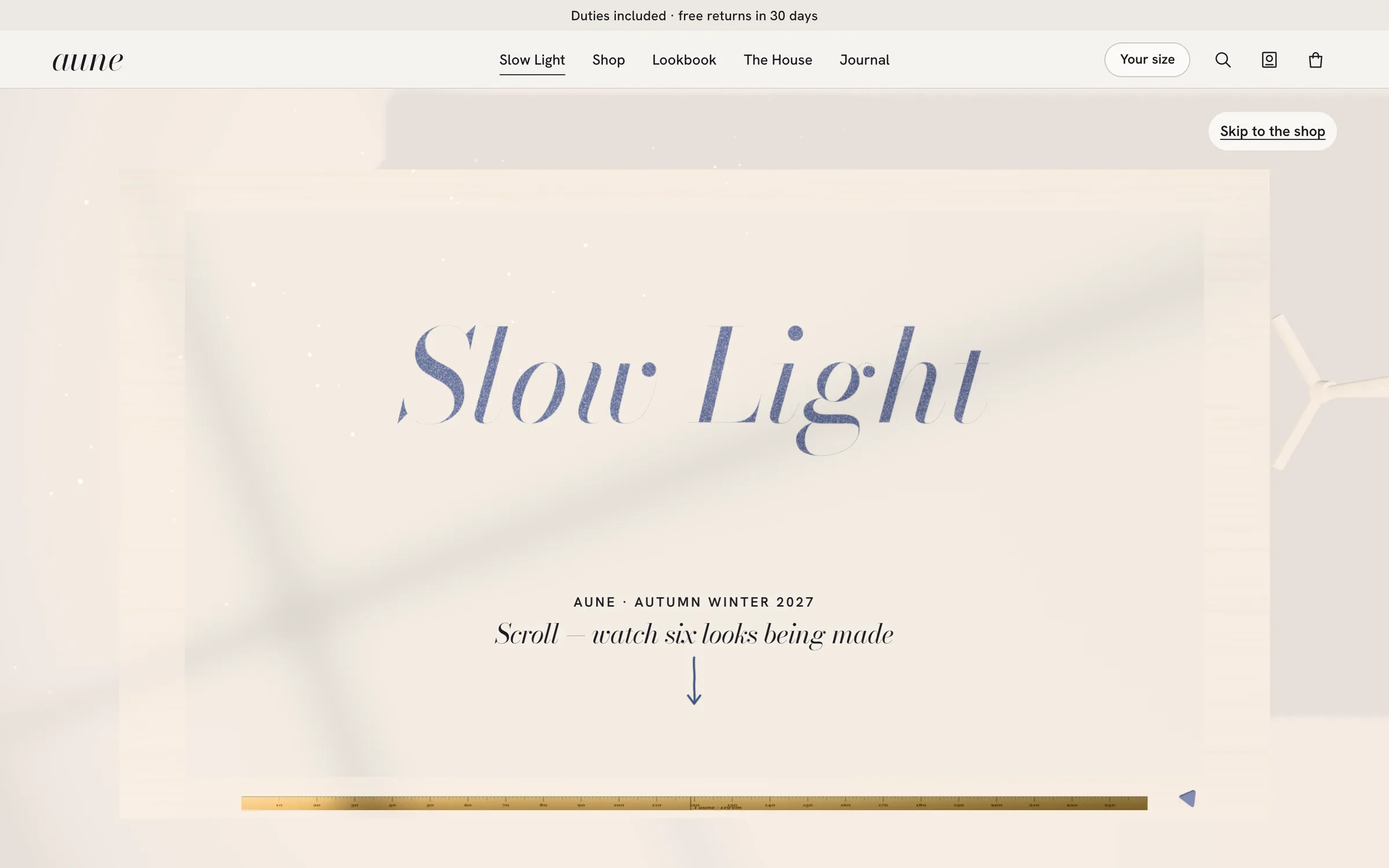
Chalk Line is a new website theme on Pulse: a complete fashion store with a home page that shows how the clothes are made. As you scroll, tailor's chalk draws a pattern, shears cut it, and the cloth becomes a photo of the woman wearing it. It fits a clothing label that wants its craft to sell the clothes. It does not fit a shop that wants a plain, still product grid and nothing more.
This post lists what the Chalk Line website theme really contains. It covers the pages, the shopper features, the tech, and how to see the demo. It also says what we could not confirm.
What Chalk Line is
Most fashion stores open on a large photo and a grid. Chalk Line opens on a workroom table instead.
The home page builds a coat in front of you. Tailor's chalk draws the pattern on wool. Shears cut it. The pieces fly onto a dress form. Then the cloth turns into a photo of the woman wearing it.
There are six looks on the home page. Each one is made its own way, with its own tools: chalk, shears, iron, needles and pins. Each look also has its own sound. When the last look is done, the table clears and you are in the shop.
The models do not slide around the screen. Every model holds four or five poses that change in place.
The fourteen pages
Chalk Line is not only a home page. It ships fourteen ready pages:
- Home, with the six looks made as you scroll
- Shop, with filters
- Product
- Look
- Lookbook
- The House (the brand's own page)
- Journal
- Journal post
- Search
- Selects, which is the wishlist
- Checkout
- Contact
- Help / FAQ
- Returns + withdrawal
That covers the full path a shopper takes. They can browse, read, save, search and reach checkout. The support pages a real store needs are there too: help, contact and returns.
One limit to state plainly. The product facts list a checkout page. They do not say which payment provider, if any, it connects to. Plan to connect your own payment and order handling, and check the demo to see how far the checkout goes.
Features shoppers will notice
The motion is the first thing people see. The shopping features are what keep the store useful.
- Size set once. A shopper picks their size one time. The shop then filters by it, and every product and look picks that size for them.
- Shop the whole look. One tap adds the full look, with a size chosen for each piece.
- Fit details on every look. Each look shows the model's height and the size she wears.
- Cloth details on every piece. Each product lists fabric, weight and origin.
- Sound you can turn off. The workroom sounds and a quiet piano follow the scroll. One tap turns them off.
- Phones first. The layout is made for phones first. People who turn motion off in their device settings get a calm, still version.
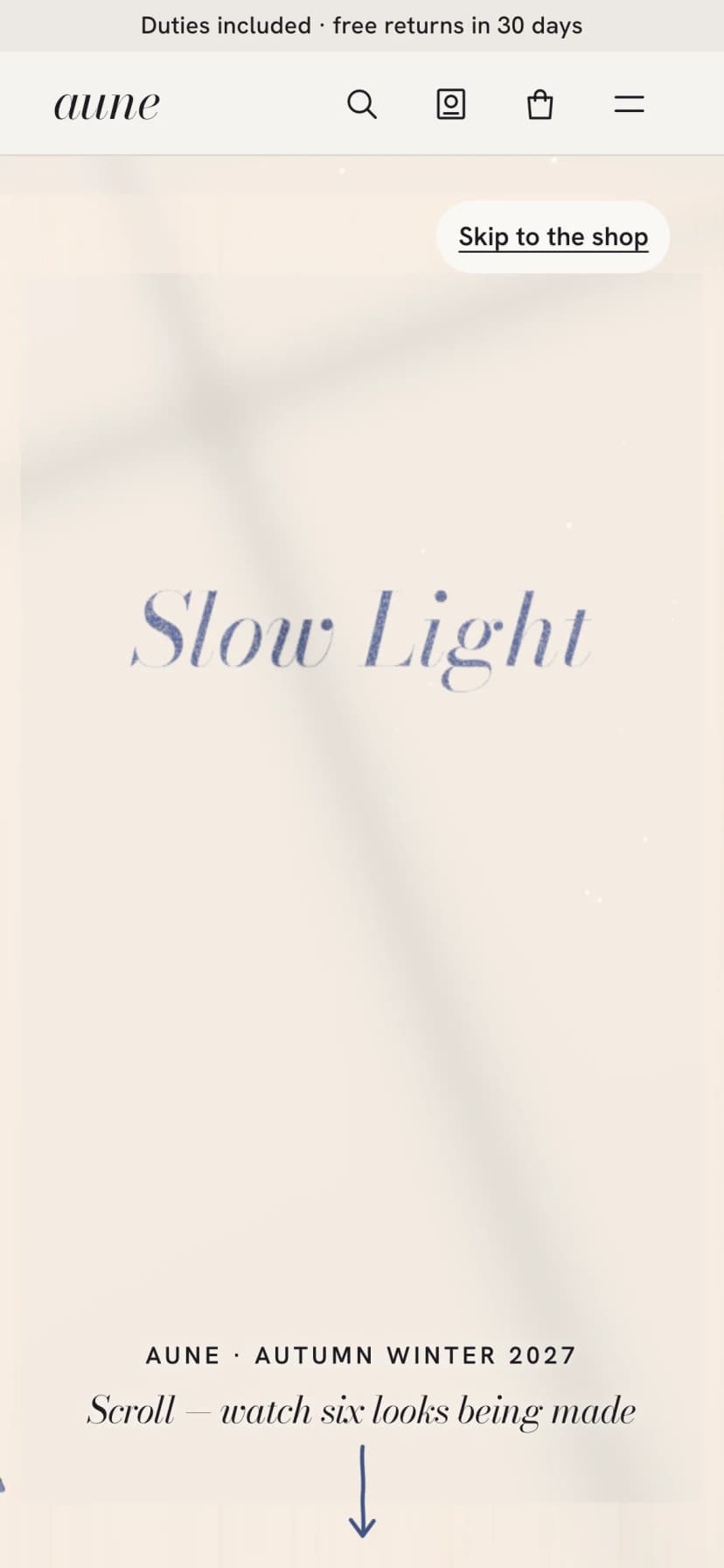
You can switch between the real phone, tablet and desktop screens here:
Who the Chalk Line website theme fits, and who it does not
It fits well if:
- You sell clothing and want the making of each piece to be part of the story.
- You have, or can shoot, several photos of a model per look. The home page needs four or five poses per model.
- You can supply fit and cloth details: model height, size worn, fabric, weight and origin.
- Your team or developer works in Next.js. Chalk Line is built on Next.js 15 (App Router), React 19, TypeScript and Tailwind CSS 4.
It is a weaker fit if:
- You want a quiet store with no scroll motion or sound on the home page.
- You do not sell clothes. The home page is built around chalk, shears and a dress form.
- You need a WordPress or hosted-store setup. This is a Next.js codebase, not a plugin.
Weaker fit
- You want a plain grid store with no motion
- You sell something other than clothing
- You need a no-code store builder
Good fit
- A clothing label that wants to show its craft
- You have several poses per model per look
- You can list fabric, weight and origin per piece
- Your developer works in Next.js and Tailwind
How to see the demo and set it up
The product page has the live demo and the full set of screens. Scroll the home page on a phone first, since that is the layout it was made for. Then turn motion off in your device settings and load it again to see the still version.
Chalk Line has no docs section on Pulse yet. The setup below uses the standard Next.js commands.
- Open the live demoScroll the home page on a phone, then on desktop. Try the size setting and Shop the whole look.
- Check the still versionTurn motion off in your device settings and reload to see the calm version.
- Install and run locallyUnzip the project, run npm install, then npm run dev.
- Swap in your looksReplace model photos, poses, fit details and fabric, weight and origin for each piece.
- Connect paymentsWire the checkout page to your own payment and order system.
- Build and deployRun npm run build and deploy to your Next.js host.
npm install
npm run dev
npm run build
If you build stores for clients, one licence covers that. Our post on which licence you need for a client site explains it.
Questions
Can shoppers turn the sound off?
Yes. The workroom sounds and piano follow the scroll, and one tap turns them off.
What happens for people who turn motion off?
They get a calm, still version of the store instead of the scroll animation.
Does the checkout take payments?
The theme includes a checkout page. The facts do not name a payment provider, so plan to connect your own.
What stack is it built on?
Next.js 15 with the App Router, React 19, TypeScript and Tailwind CSS 4.
What to do next
Start with the demo, on a phone. If the home page suits your label, list what you need to supply: poses per model, fit details per look, and cloth details per piece. That list tells you how much work the switch-over will be.
You can see the screens, films and live demo on the Chalk Line theme page.